How fast is your card?
We start with published raster benchmark averages rather than advertising claims or vague synthetic scores.
That $700 graphics card looks tempting. But will it actually improve your games? Tell us what you're running and we'll give you a straight answer. Including "keep your money."
No mystery score, no sponsored winner. We compare hardware within the same benchmark suite and account for how you actually play.
We start with published raster benchmark averages rather than advertising claims or vague synthetic scores.
A 12% uplift usually isn't worth a new card. We favor substantial improvements and the option to wait.
We compare your budget to dated street-price references and warn you about RAM, power, and monitor mismatches.
Exact model references, not live prices or inventory promises. Run the verdict first so you don’t buy what you don’t need.
A 12GB budget desktop card; verify ReBAR support and system compatibility.
Check exact product ↗An efficient 1080p option. Mind 8GB limitations in texture-heavy modern games.
Check exact product ↗16GB of VRAM and strong raster performance. Check your PSU and case clearance.
Check exact product ↗Amazon Associates: we earn from qualifying purchases. These links identify board-partner products, not verified in-stock offers. Price and seller can change.
Practical choices for 1080p, 1440p and 4K, plus the cards to skip at inflated prices.
READ THE GUIDE ↗
More than average frame rates: the VRAM, ray tracing, upscaling, and price tradeoffs.
SEE THE MATCHUP ↗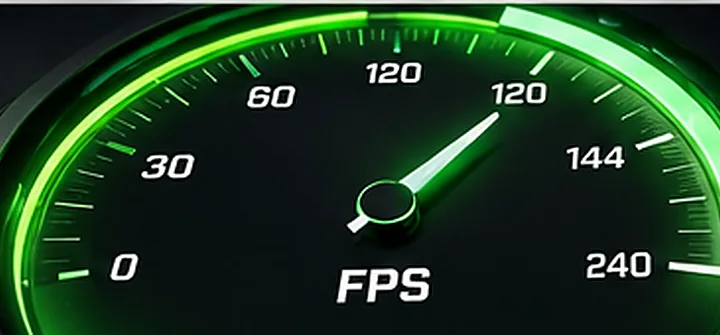
144Hz doesn't mean every new game needs to run at 144 native FPS. Here's the nuance.
GET UNCONFUSED ↗Start with the card you own or compare two current options. The illustrations are concept art, not photographs of retail models.
1080p and 1440p paths that justify the cost.
READ UPGRADE GUIDE ↗
Compare performance uplift and real-world value.
READ UPGRADE GUIDE ↗
Value, VRAM, ray tracing, and the bigger picture.
COMPARE THEM ↗
Which is a better fit for your games and budget?
COMPARE THEM ↗Native benchmark comparisons, honest keep-or-buy verdicts, and product links for specific boards.
Check video memory, PSU cabling, your monitor target, and whether the exact board will fit.
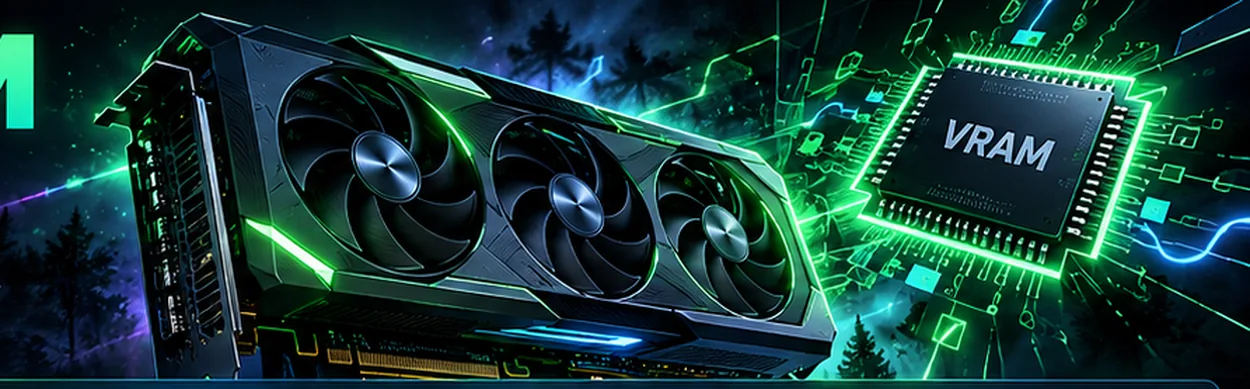
8GB, 12GB or 16GB? Understand when more memory helps and when it won't.
READ VRAM GUIDE ↗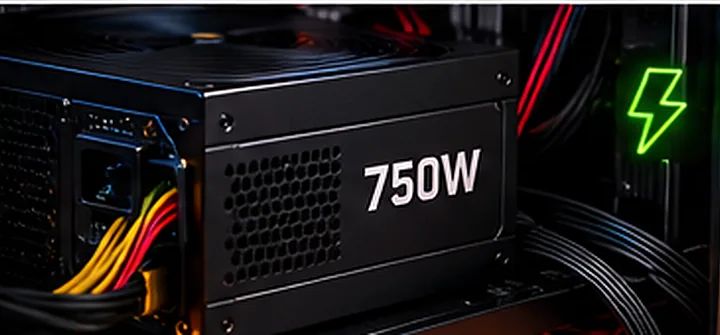
Watts aren't everything. Check the right cables, connectors and case clearance.
CHECK GPU POWER ↗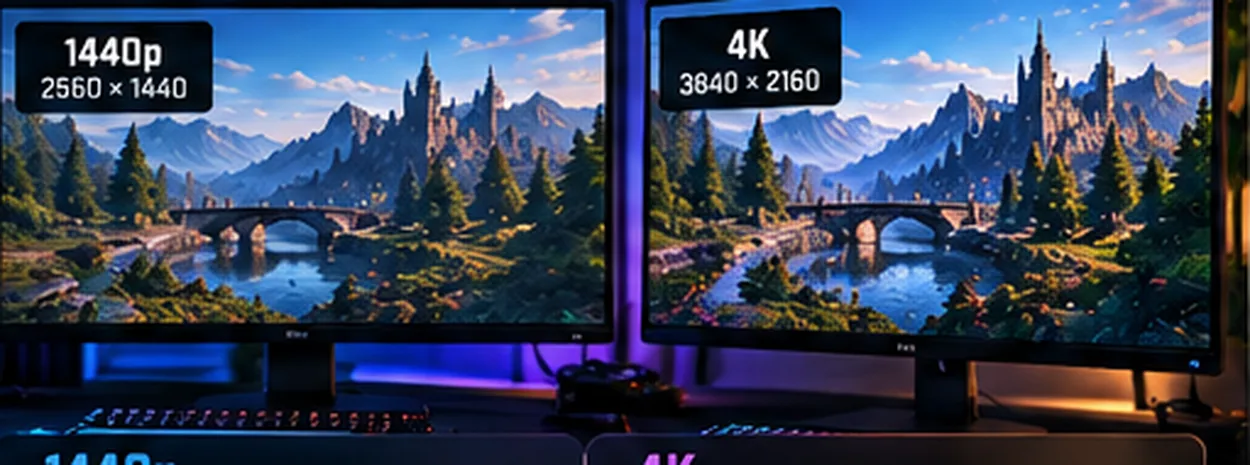
Compare the real pixel workloads without fake FPS promises.
COMPARE RESOLUTIONS ↗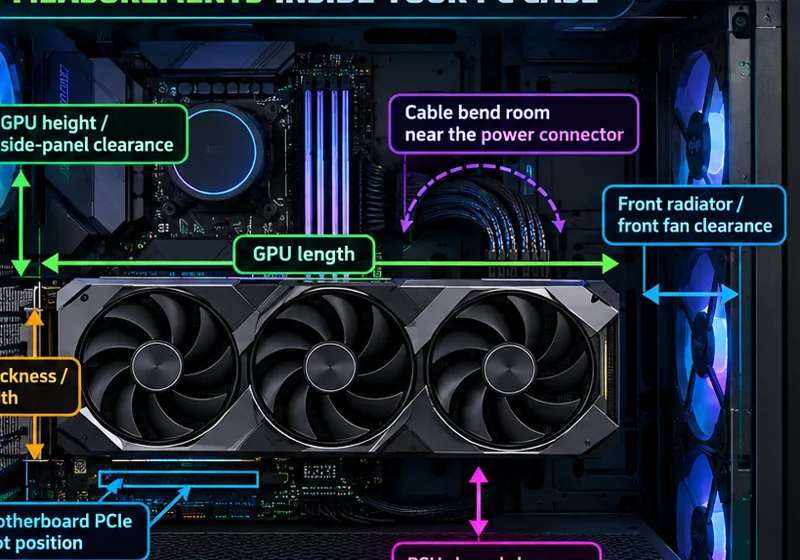
Check length, thickness, radiator interference, and cable/side-panel room.
MEASURE BEFORE BUYING ↗It depends on your monitor and budget. At 1080p 60Hz, the RTX 3060 can still be adequate in many games with sensible settings. For demanding 1440p games, a jump to an RX 9070 or similar class can be meaningful. Use the tool for a same-suite comparison, and don't assume every title scales the same.
No. The numbers shown are historical cross-game ultra raster benchmark averages from a published test suite. They're useful for broad comparisons but aren't game-specific predictions. CPU limits, RT, upscaling, settings, drivers and patches change real results.
8GB can be fine for many 1080p games, especially esports and lighter titles. For demanding new games at 1440p or 4K, we generally favor 12–16GB when budgets allow. VRAM capacity alone doesn't make a slower card faster.
Check platform bottlenecks, dimensions, power connectors and PSU requirements separately. We flag potential power issues when you provide a wattage, but a manufacturer-specific compatibility check is still essential.
No. We never display unverified live Amazon pricing or inventory. Historical street references are explicitly labeled, and Amazon buttons take you to a checked product identifier when available, or to a clearly labeled model search.
Choose a title, compare your current GPU with the published PC requirements, and get a conservative upgrade recommendation. No invented game-specific FPS numbers.
Requirements sourced from the publishers, developer support pages or game listings. Resolution-tier checks are editorial estimates, not a test of your complete PC.